ServiceNow widgets
Before you start
You need:
- A configured ServiceNow Marketplace integration, including a registered ServiceNow client endpoint.
Note: You must create a ServiceNow client endpoint for these widgets to function. See ServiceNow.
Overview
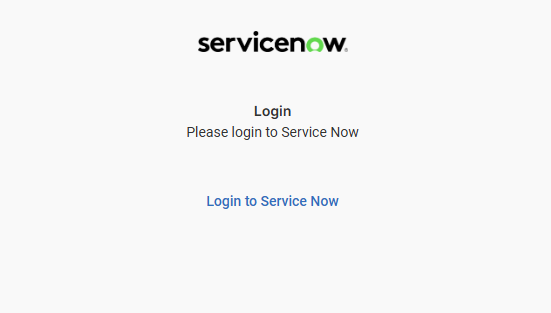
Once you have created the ServiceNow client endpoint in your ServiceNow instance and registered it, users can log in through the ServiceNow widgets in Interact. They then see the following view.
Incidents
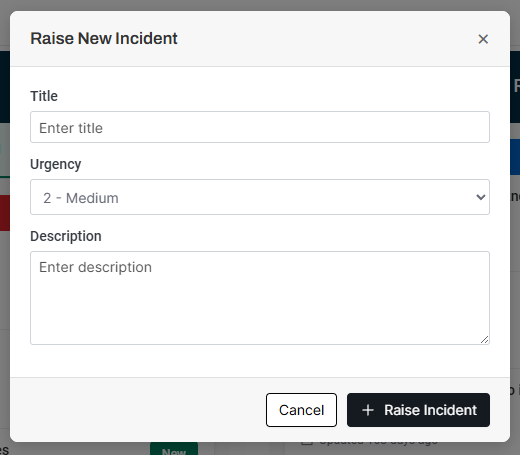
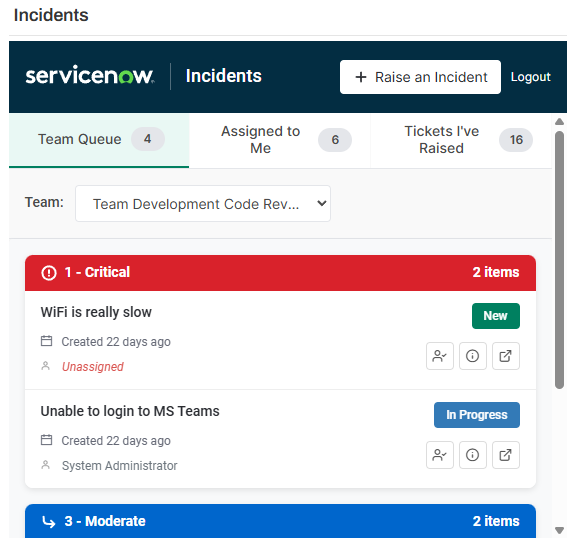
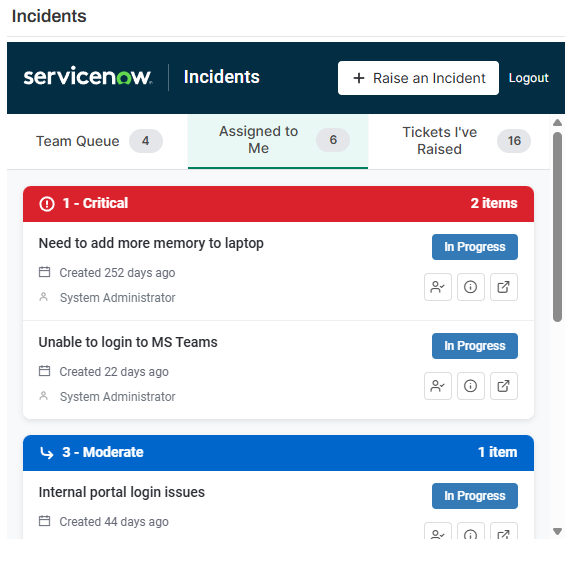
The ServiceNow Incidents widget lets a user raise new tickets and view their existing tickets.
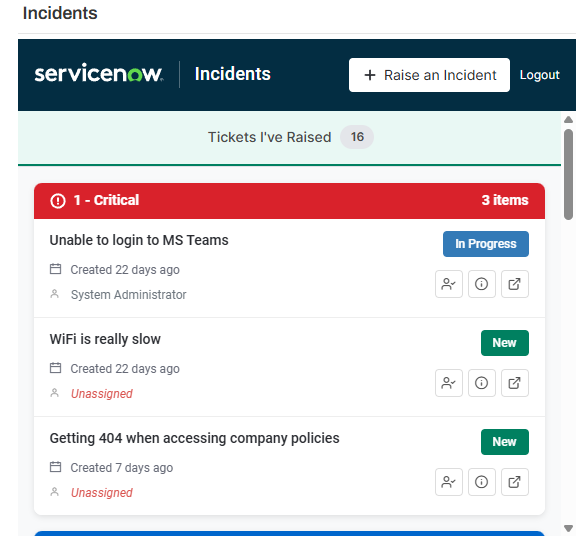
If the user belongs to any ServiceNow groups, they can view both their team's queue tickets and tickets assigned directly to them.
Requests, problems and change requests
In addition to incidents, the ServiceNow integration lets users view requests, problems and change requests.
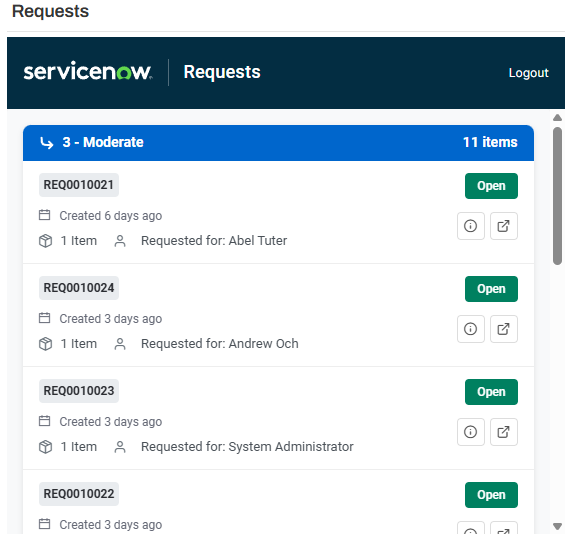
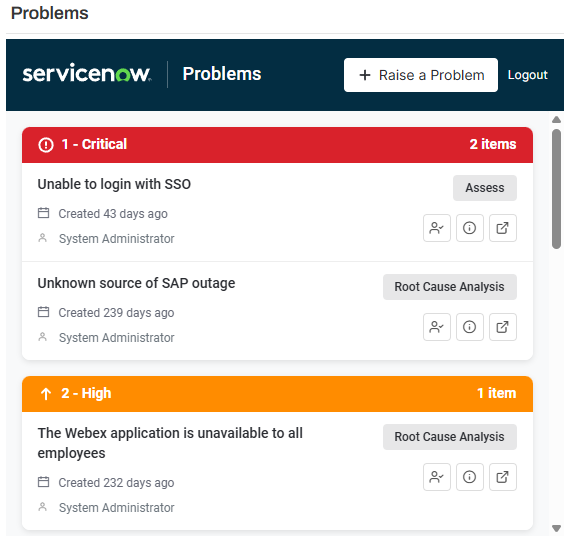
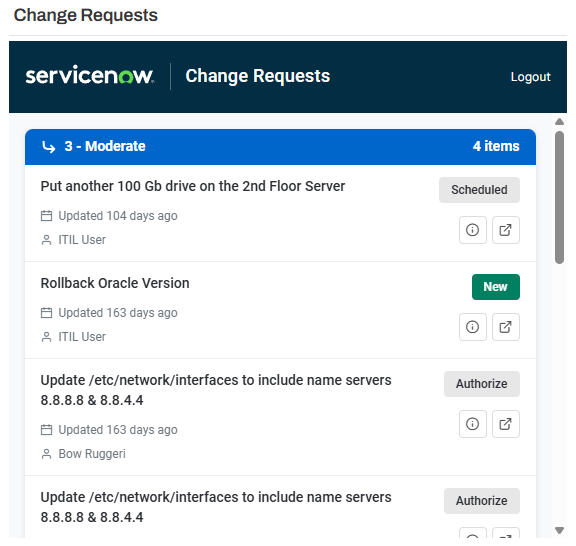
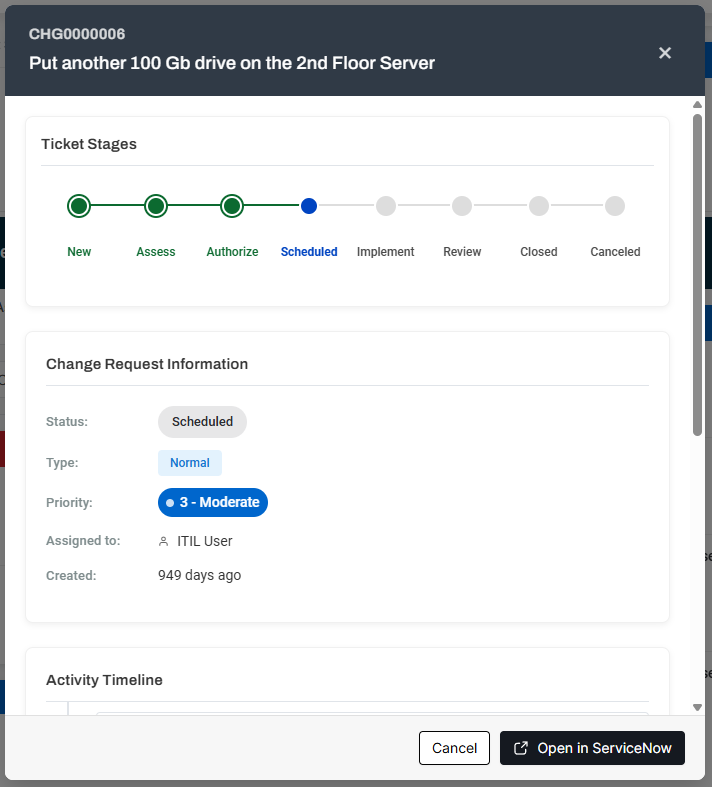
All tickets support a pop-up view that displays additional details, so users can access more information at a glance without leaving the intranet.
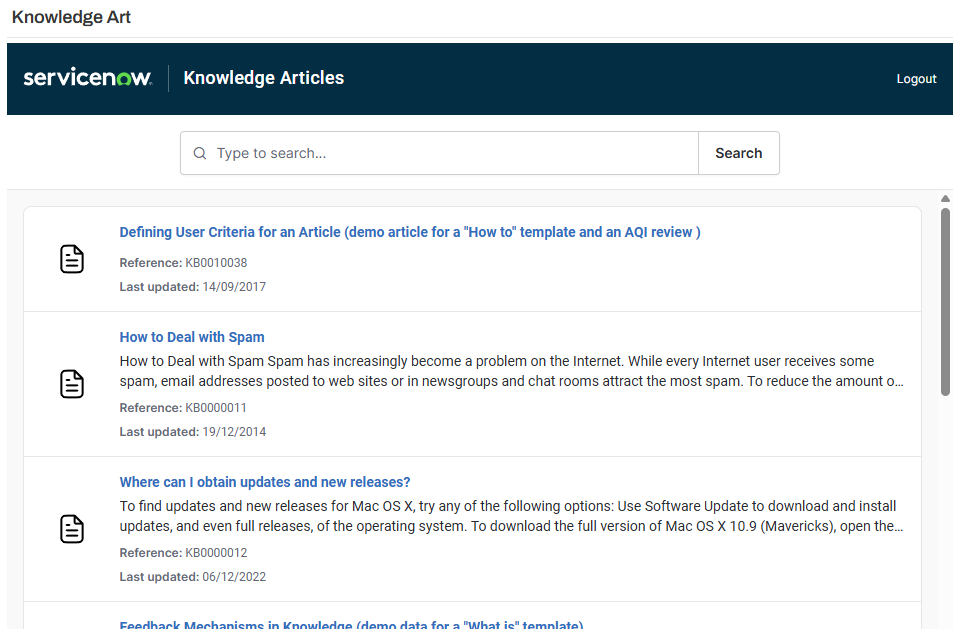
Knowledge articles
Users can search for knowledge articles. Search results display article links along with descriptions and timestamps.
Service catalogue
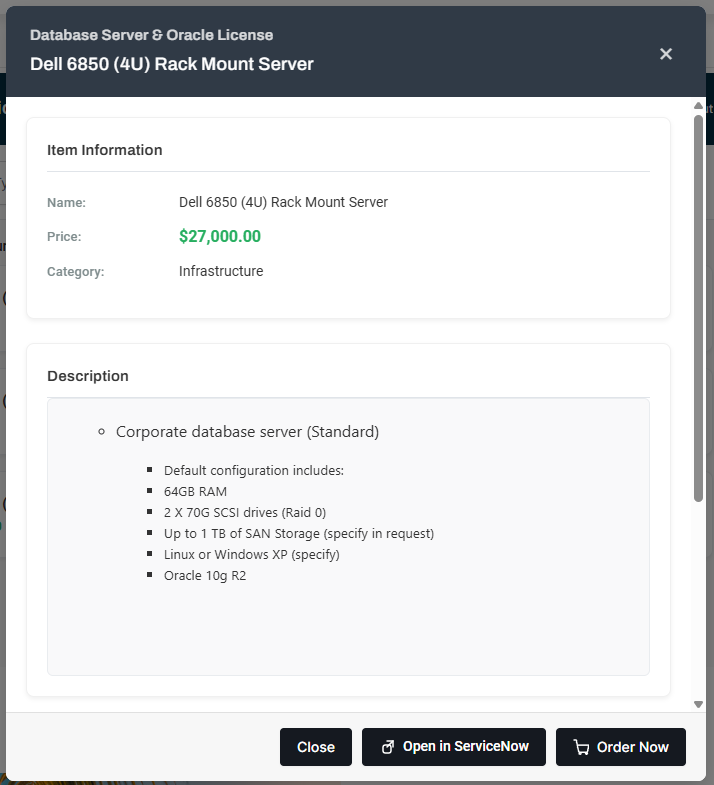
Users can browse the service catalogue by category or by searching for specific items. Ordering an item creates a new request.
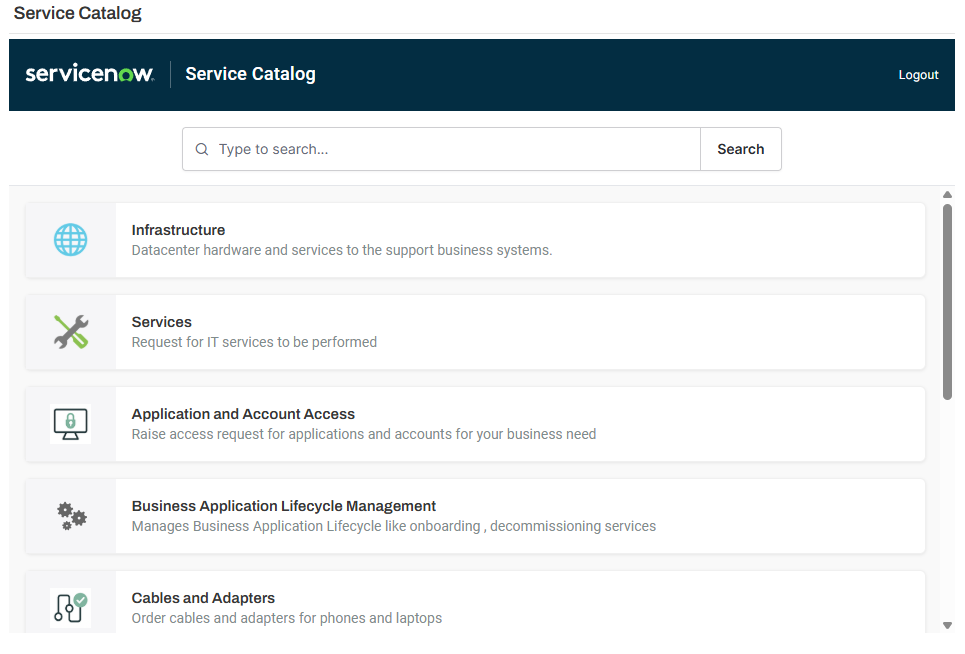
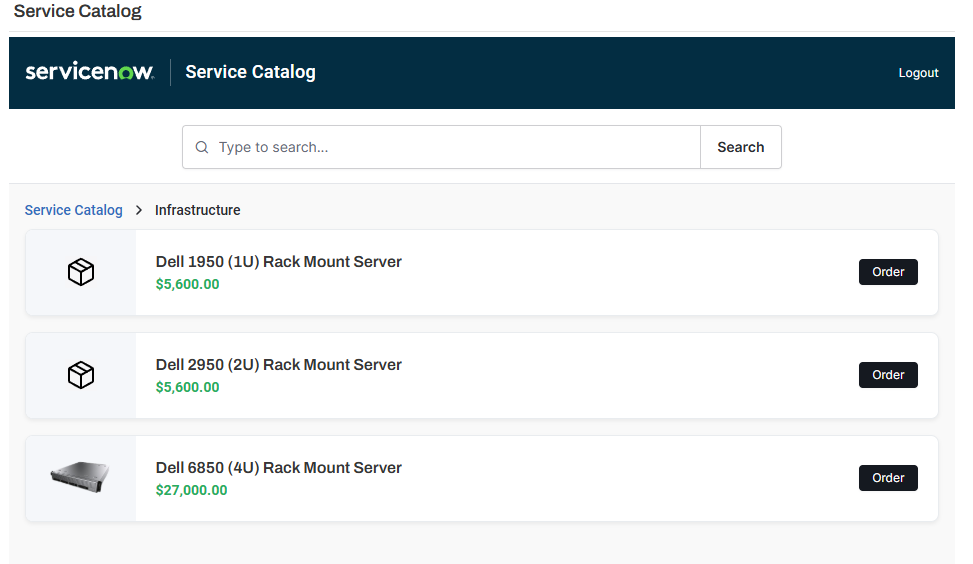
Users can select an item image to find out more detail.
Adding individual widgets
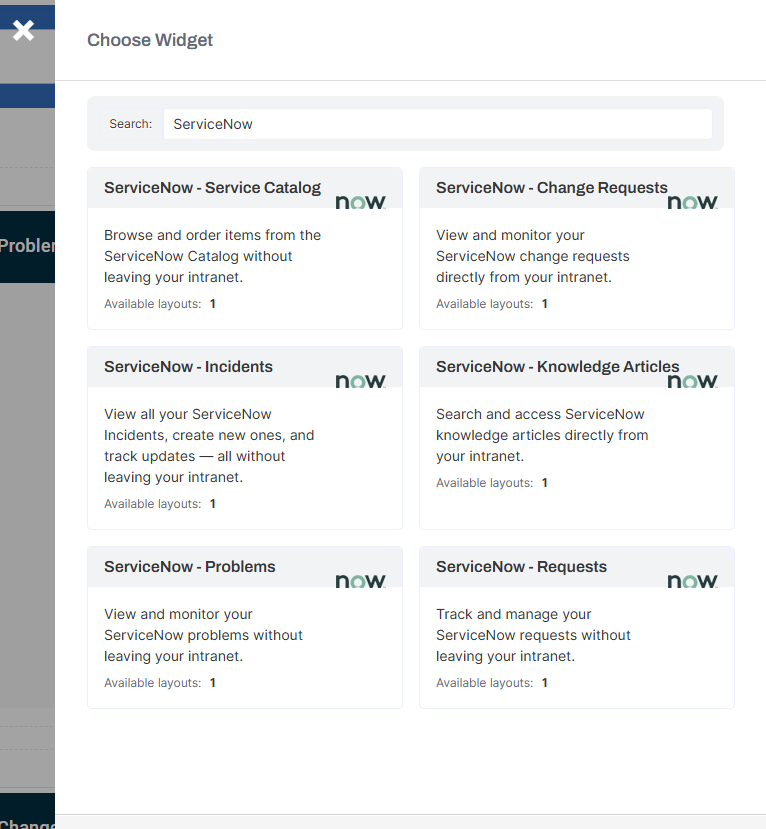
All of these widgets are available individually when adding a new widget within Interact. This lets you control which parts of the integration are displayed. For example, you might want users to see only the knowledge articles widget.