Content widgets and Content Listing Blocks
Overview
Synchronised content includes additional taxonomy values, so you can customise the Content Widget and the Content Listing Block to filter on these values and display only specific results.
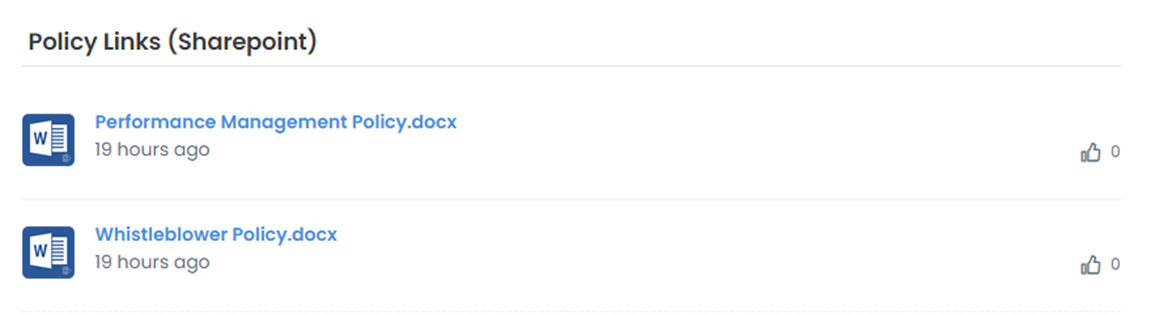
The Advanced Filter (JSON) configuration option is available on both the Content Widget and the Content Listing Block (of "Filter" type). With it, you can build filter conditions (items, nested groups, All, Any), logically similar to how personas are built.
You can filter on any of the taxonomy values:
- Text-based filters: Equals, Exists, StartsWith
- Number-based filters: Equals, Exists, Less Than, Greater Than, Less Than Or Equal To, Greater Than Or Equal To
- Date-based filters: Equals, Exists, Less Than, Greater Than, Less Than Or Equal To, Greater Than Or Equal To
You can also filter on the facet or facet type.
For example, you can show files from a particular site, list, and subdirectory, and include all files from subdirectories. You can also hide content of a certain type or extension. For example, show all files from a "Policies" folder within a "Sales" site, hide folders, and show only files in that folder and its subfolders.
For details and examples of how to configure the Advanced Filter, see Advanced filter (JSON).